
Description
Gallery
Changelog
Versions
AutoFishing
A simple lightweight mod that automates the fishing process.
Setup
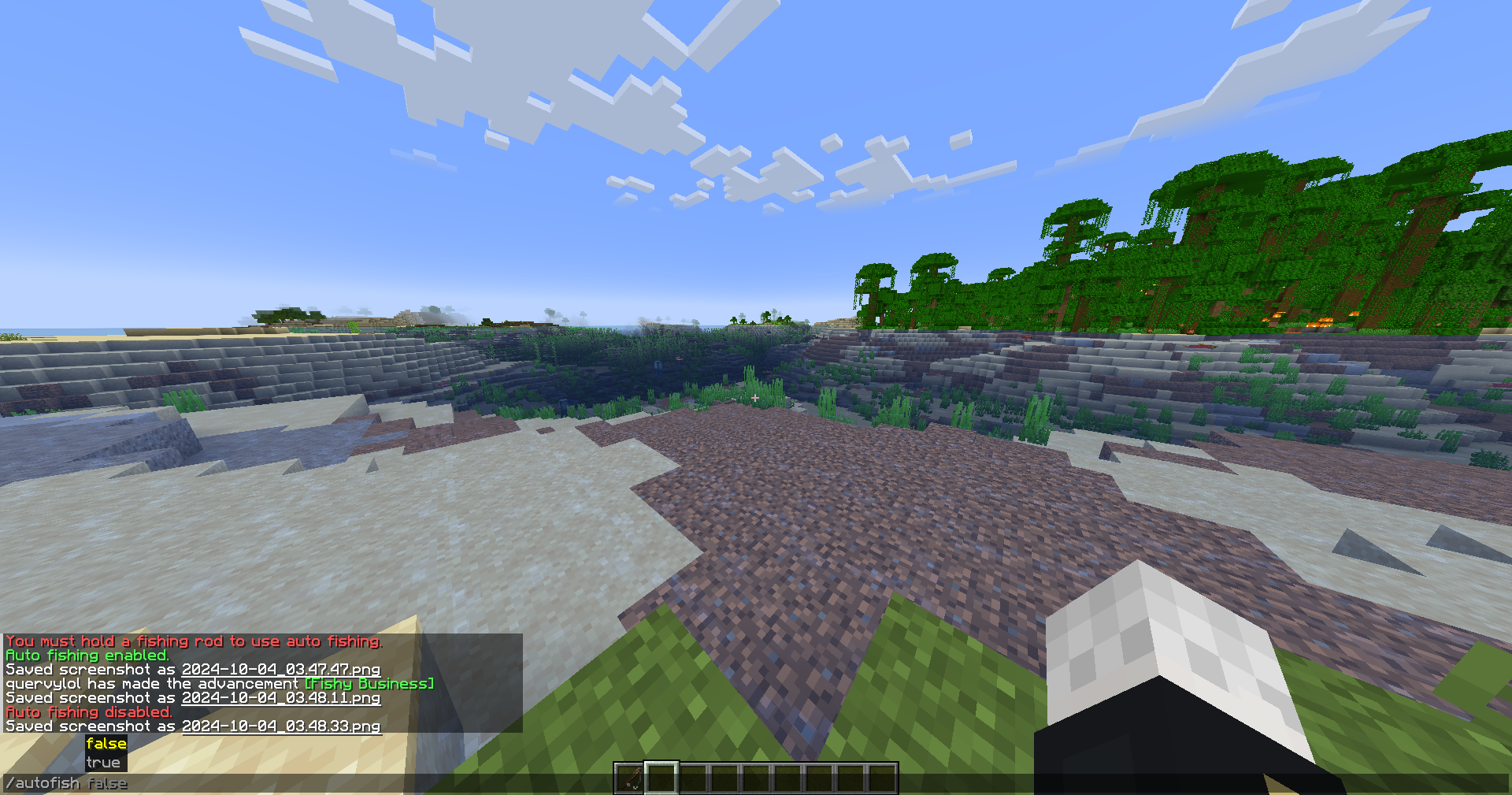
/autofish truewill start the auto fishing mod. Do/autofish falseto disable./delay (ticks)is a command where you can set the delay of the rod being recasted. The default value is 20 ticks, or 1 second on a 20 tps server. 1 tick is equal to 50ms./inventorycheck truewill stop the auto fishing mod if a GUI opens./inventorycheck falsewill keep the auto fishing mod running if a GUI opens. The default value is set to false.
Key notes
- You need to hold a fishing rod in order to active auto fishing.
- Swapping from the fishing rod to a different item will automatically disable the auto fishing.
- Reeling in manually, your right mouse button, will automatically disable the auto fishing.
- The delay is reccomended to be set to 10-20.
Contact
Incase you have any issues, here's my contact information
How to Install AutoFishing (Mod)
AutoFishing by tangiblejackson is verified for Fabric across Minecraft versions 1.21.1, 1.21.10, 1.21.11, 1.21.2, 1.21.3, 1.21.4, 1.21.5, 1.21.6 (latest release: 1.1.1, file size: 13 KB). Follow the steps below to install it safely from ModCraft.tv:
- Click the Download button above and select your Minecraft version (1.21.1, 1.21.10, 1.21.11, 1.21.2, 1.21.3, 1.21.4, 1.21.5, 1.21.6) and platform (Fabric).
- Make sure you have the compatible loader or environment installed for Fabric.
- Move the downloaded AutoFishing file into your Minecraft
.minecraft/modsfolder and launch the game.
All Versions
+ Add Version


[1.1.1] AutoFishing 1.1.1
by tangiblejackson on Sep 09, 2026
Download
Same everything, just pushed to newer versions
1.21.2-1.21.11
1.21.2-1.21.11
[1.1.1] AutoFish 1.1.1
by tangiblejackson on Oct 15, 2024
Download
issue with reeling in delay fixed thank you to the "therealchadyes" for notifying me of the bug
[1.1] AutoFish 1.1
by tangiblejackson on Oct 15, 2024
Download
added a gui check command
[1.0.0] AutoFish 1.0.0
by tangiblejackson on Oct 04, 2024
Download
A mod that automates fishing. More features can be added if suggestions are good


