
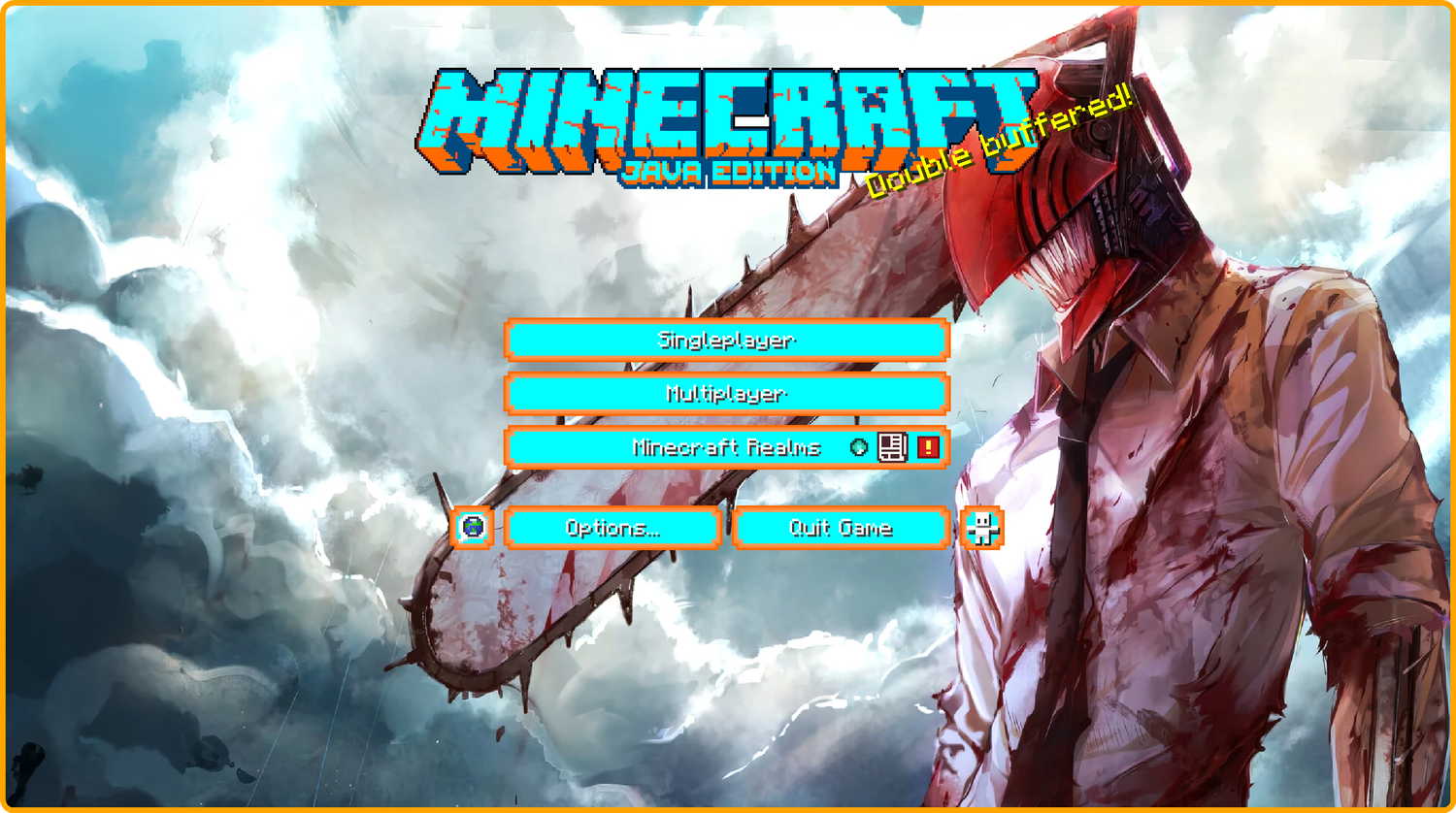
Introduction: This GUI-only resource pack seamlessly integrates with other resource packs. Simply place it on top of your existing pack to enjoy a customized interface inspired by the world of "Chainsaw Man." I've made adjustments to the hot bar for a more immersive experience and experimented with adding different pictures to each container. The chosen color palette includes Orange and Blue, but I'm open to suggestions for alternative color schemes. Feel free to share your preferences, such as Pink and Red or any other colors, and I'll consider them for future updates.
Community Engagement: Join our Discord server to suggest and vote for the next pack, participate in anime discussions, and have the chance to win Discord Nitro giveaways every month. Discord Server
Feature Highlights:
- Settings:

- Hud:

- Blast Furnace:

- Chest:

- Grind Stone:

- Crafting Table:

- Loom:

- Beacon Menu:

- Villager Trading Menu:

- Creative Menu:

Additional Resources:
Thank you for your support! ❤️
How to Install Chainsaw Man Custom GUI Pack (Resourcepack)
Chainsaw Man Custom GUI Pack by Listar is verified for Minecraft across Minecraft versions 1.20.4 (latest release: 1, file size: 3.0 MB). Follow the steps below to install it safely from ModCraft.tv:
- Click the Download button above and select your Minecraft version (1.20.4) and platform (Minecraft).
- Make sure you have the compatible loader or environment installed for Minecraft.
- Move the downloaded Chainsaw Man Custom GUI Pack file into your Minecraft
.minecraft/resourcepacksfolder and launch the game.


