## Highlights
Versions after this date **will not be compatible with previous versions of the configuration file**, please follow the steps below to complete the configuration file migration manually:
- Update the mod
- Launch Minecraft, join a world or a server
- Open the `Resource Packs` screen
- Press the `Open Pack Folder` button
- Go to the previous level of the current directory (e.g. `.minecraft\1.19.3\resourcepacks\` -> `.minecraft\1.19.3\` )
- Open `commands.json` with system Notepad or other plain text editor
- Press `G` ( or other hotkey you have configured )
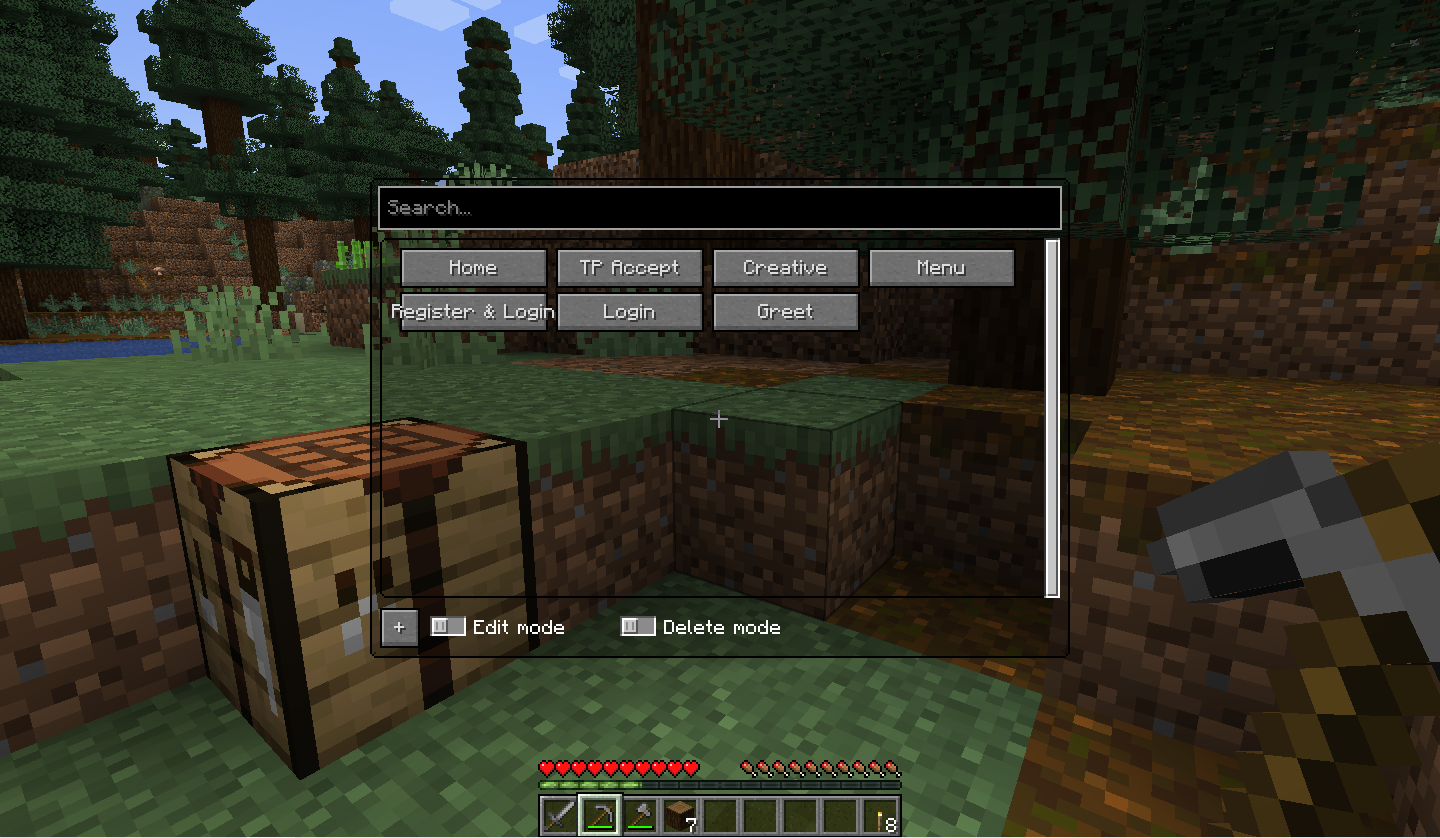
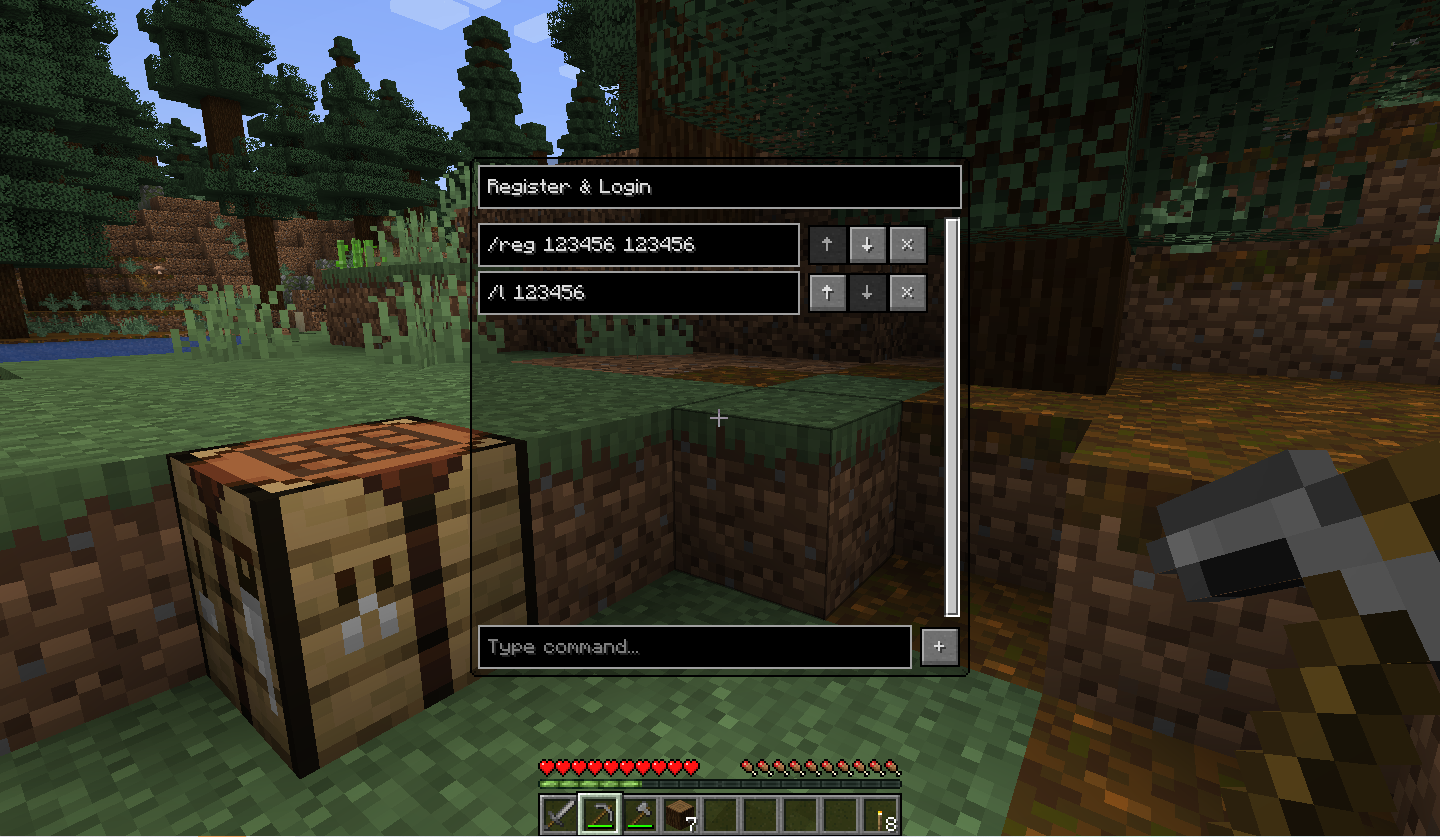
- Add them one by one according to the `commands.json` file (The context inside the double quotes after `"name"` is the button's name, and the context inside the double quotes after `"command"` is the button's command. A pair of bracketed related content is one button.)
## Changes
### New features
- Support 1.19.3
- Unlimited number of buttons
- Add entry for ModMenu
- Search for buttons
- Edit mode
- Support for returning to previous screen
### Development
- refactor: Remove the dependencies `json_simple` and `json_io`
## Credit
- @Hendrix-Shen
---
**Full Changelog**: [`1.1.0...1.2.0`](https://github.com/MSDNicrosoft/Command-GUI-Buttons/compare/1.1.0...1.2.0)
Developer information
Projects on Modrinth are automatically available through a Maven repository for use with JVM build tools such as Gradle.
maven { name = "Modrinth"; url = "https://api.modrinth.com/maven" }


