### Added
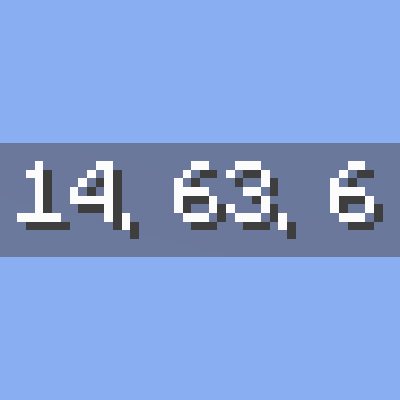
- Configurable HUD position: choose from 6 preset positions (top-left, top-center, top-right, bottom-left, bottom-center, bottom-right) in an in-game settings screen
- Settings screen entry points: assignable "Open Settings" keybinding (unbound by default), Config button on the Forge/NeoForge Mods screen, and optional [ModMenu](https://modrinth.com/mod/modmenu) integration on Fabric
- Selected position is saved to `config/justcoordinates.json` and restored on launch
- Minecraft 1.21.6 support restored (builds were skipped in 0.5.0)
### Fixed
- HUD no longer disappears permanently on Minecraft 1.21.9+ when any Debug Options (F3+F6) entry is set to "Always", or after toggling hitboxes (F3+B) / chunk borders (F3+G); the HUD now hides only while the actual F3 debug overlay is open ([#1](https://github.com/ksoichiro/JustCoordinates/issues/1)). If the HUD overlaps always-on debug text, move it with the new HUD position setting
Developer information
Projects on Modrinth are automatically available through a Maven repository for use with JVM build tools such as Gradle.
maven { name = "Modrinth"; url = "https://api.modrinth.com/maven" }