### Version 2.5 update
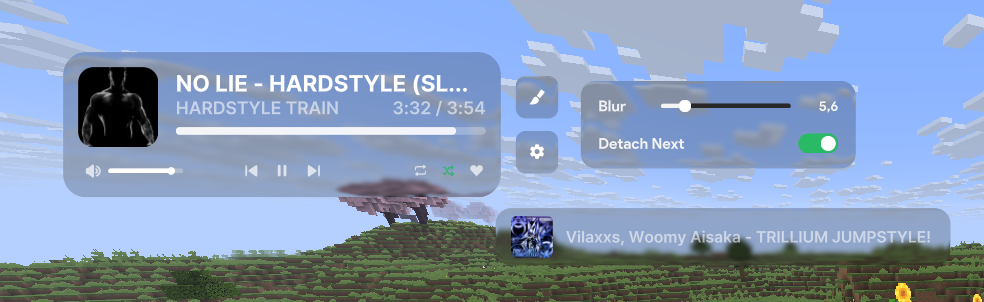
**[+]** Added the ability to move, resize, etc., the overlay on the ClickGUI screen as well. Previously, this was only possible while on the chat screen.
**[+]** A settings button has been added. Now, by right-clicking the overlay while in the ClickGUI or chat screen, you can adjust the blur and bloom, or detach the "next song" element to make it a separate overlay.
Developer information
Projects on Modrinth are automatically available through a Maven repository for use with JVM build tools such as Gradle.
maven { name = "Modrinth"; url = "https://api.modrinth.com/maven" }

