# Changelog
## [1.0.9-7]
### Added
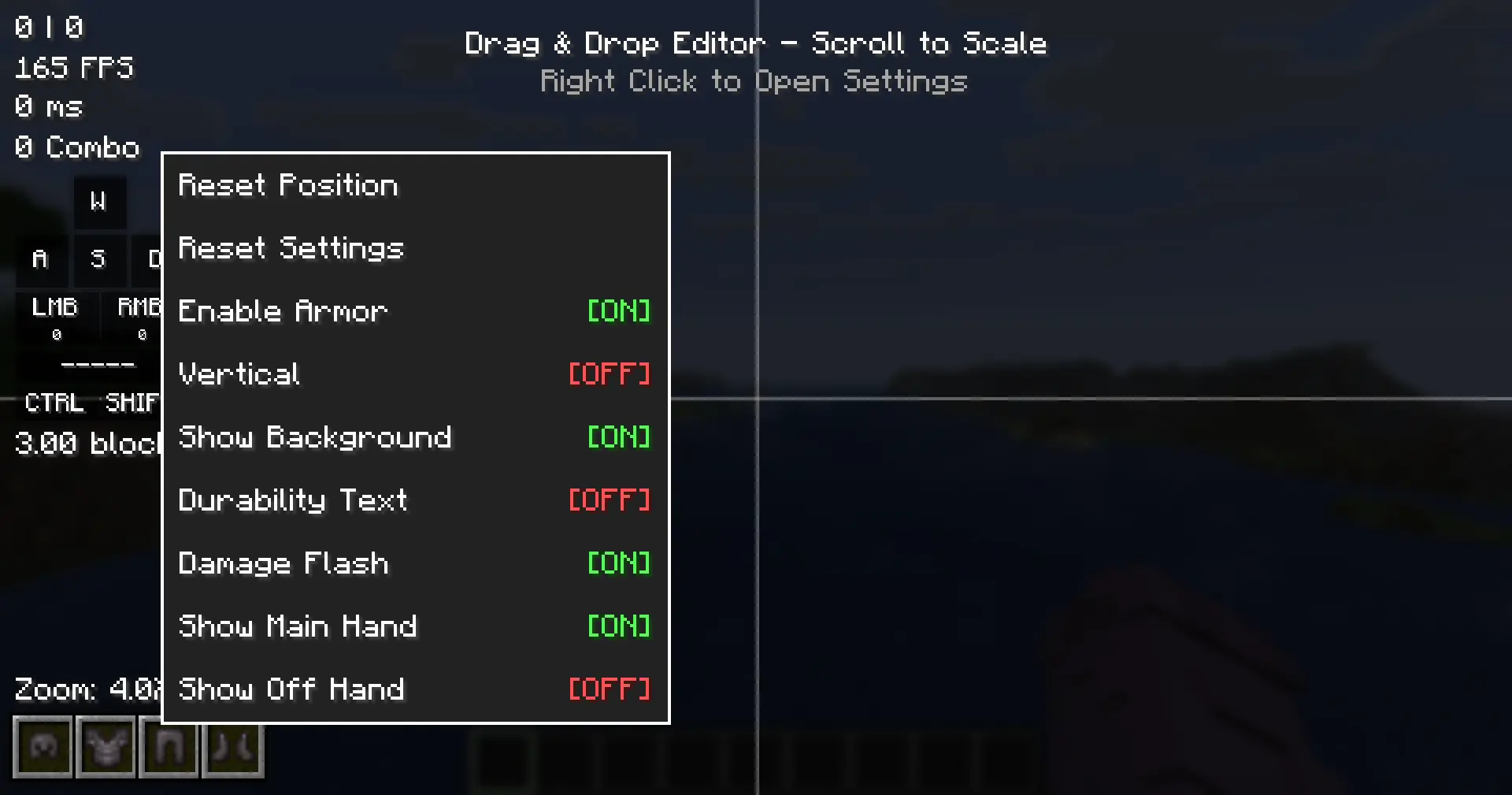
- **HUD Editor Context Menu**: Right-clicking a module in the HUD Editor now opens a context menu with quick settings, replacing the previous behavior of immediately resetting the module position.
- **HudModuleSetting API**: New API infrastructure for declaring per-module context menu settings. Supports five setting types: `ColorSetting`, `BooleanSetting`, `TextSetting`, `ActionSetting`, and `CycleSetting`.
- **Context menu settings for all modules**: CPS, FPS, Ping, Combo, Reach, Armor HUD, and Keystrokes modules now declare their most important settings via `getContextMenuSettings()`.
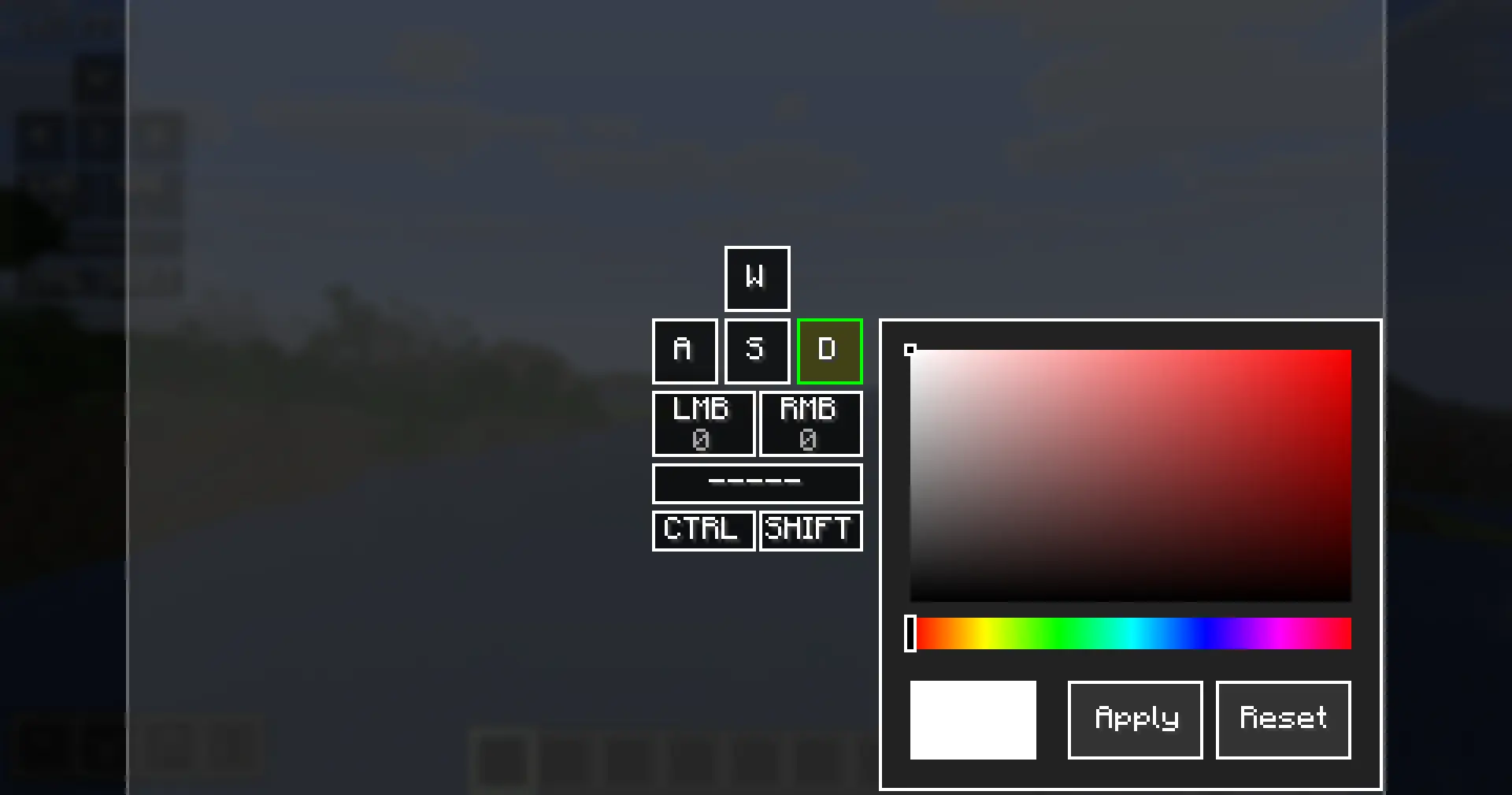
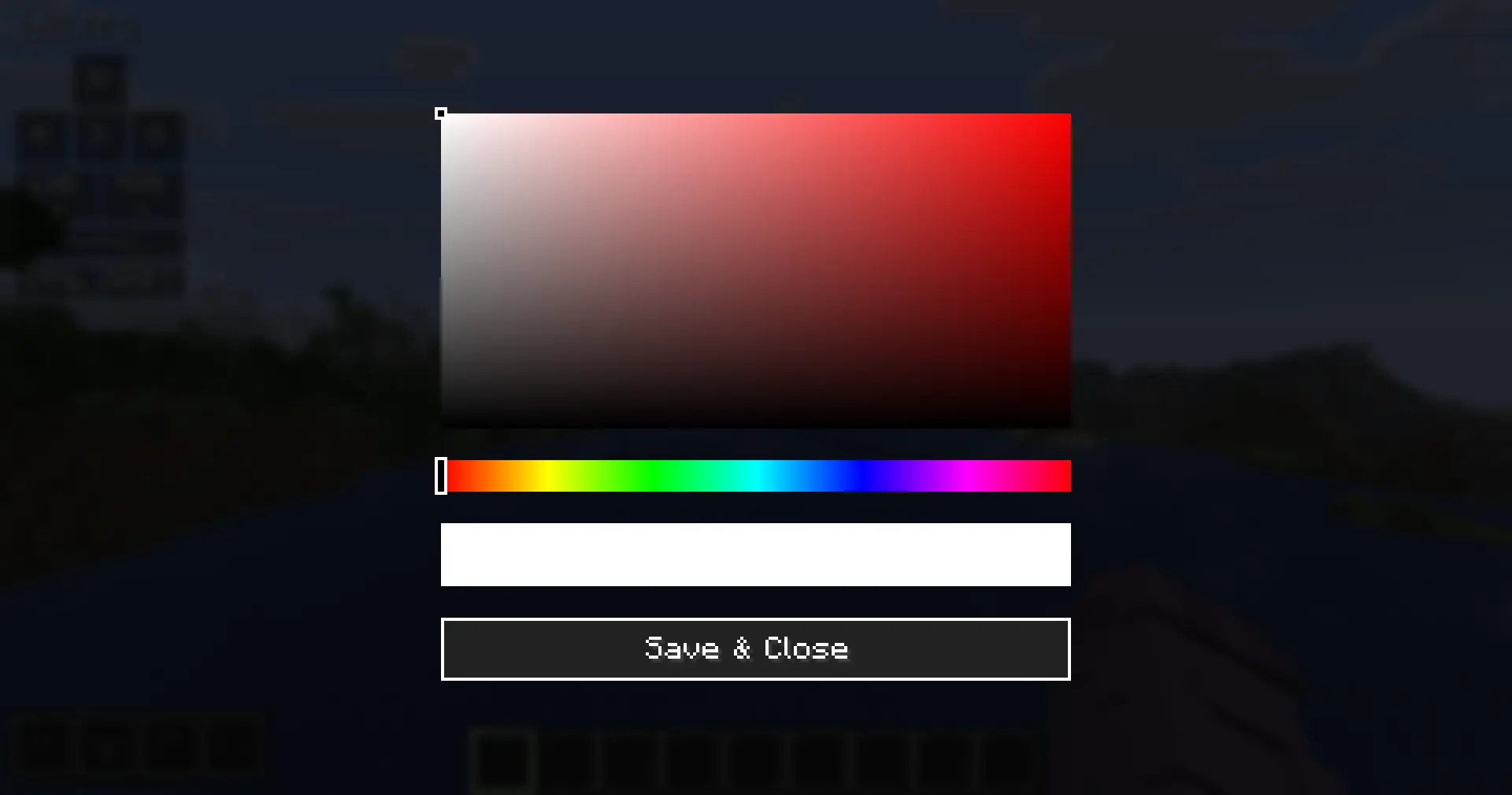
- **ColorSetting integration**: Clicking a color setting in the context menu opens the inline `ColorPickerScreen` directly.
- **TextSetting integration**: Clicking a text setting opens an inline input field at the bottom of the HUD Editor screen.
- **Reset Settings action**: All modules now have a "Reset Settings" button in their context menu that resets all visual and behavioral config fields to their defaults, without touching position, offsets, or scale.
- **Reset Position action**: All modules have a "Reset Position" button that resets position, offsets, and scale only.
- **Always Show setting**: Combo and Reach modules now expose an "Always Show" toggle in their context menus, controlling visibility when inactive.
- **Open Designer shortcut**: Keystrokes module context menu now includes an "Open Designer" action for direct access to the Keystrokes Designer screen.
- **Armor HUD context menu settings**: Show Armor, Vertical, Show Background, Durability Text, Damage Flash, Show Main Hand, Show Off Hand.
- **Inline color picker reset button**: The inline color picker in the Keystrokes Designer now includes a "Reset" button that clears the per-key color override back to the global color.
### Changed
- **Reset Settings behavior**: No longer changes the enabled/disabled state of a module. Scale is now included in the reset alongside other visual defaults.
- **Context menu label standardization**: All module enable/disable toggles now follow the "Enable [ModuleName]" naming convention (e.g., "Enable CPS", "Enable Combo").
- **Keystrokes context menu**: Removed the "Reset Settings" button from the Keystrokes module context menu, as layout reset is already handled by the "Reset Layout" button inside the Keystrokes Designer.
### API
> For full API documentation and usage examples, see the [API Guide](https://eymistaken.github.io/Eymistaken-s-HUD-Website/api-guide.html).
- `HudModuleSetting` abstract class added to `com.eymistaken.simplecps.api`.
- `ColorSetting`, `BooleanSetting`, `TextSetting`, `ActionSetting`, `CycleSetting` concrete setting classes added to `com.eymistaken.simplecps.api`.
- `HudModule.getContextMenuSettings()` now returns a default list containing "Reset Settings" and "Reset Position" actions. External modules can override this method to declare their own settings.
- `HudModule.resetVisualDefaults()` added as an overridable method for resetting non-layout config fields.
Developer information
Projects on Modrinth are automatically available through a Maven repository for use with JVM build tools such as Gradle.
maven { name = "Modrinth"; url = "https://api.modrinth.com/maven" }

